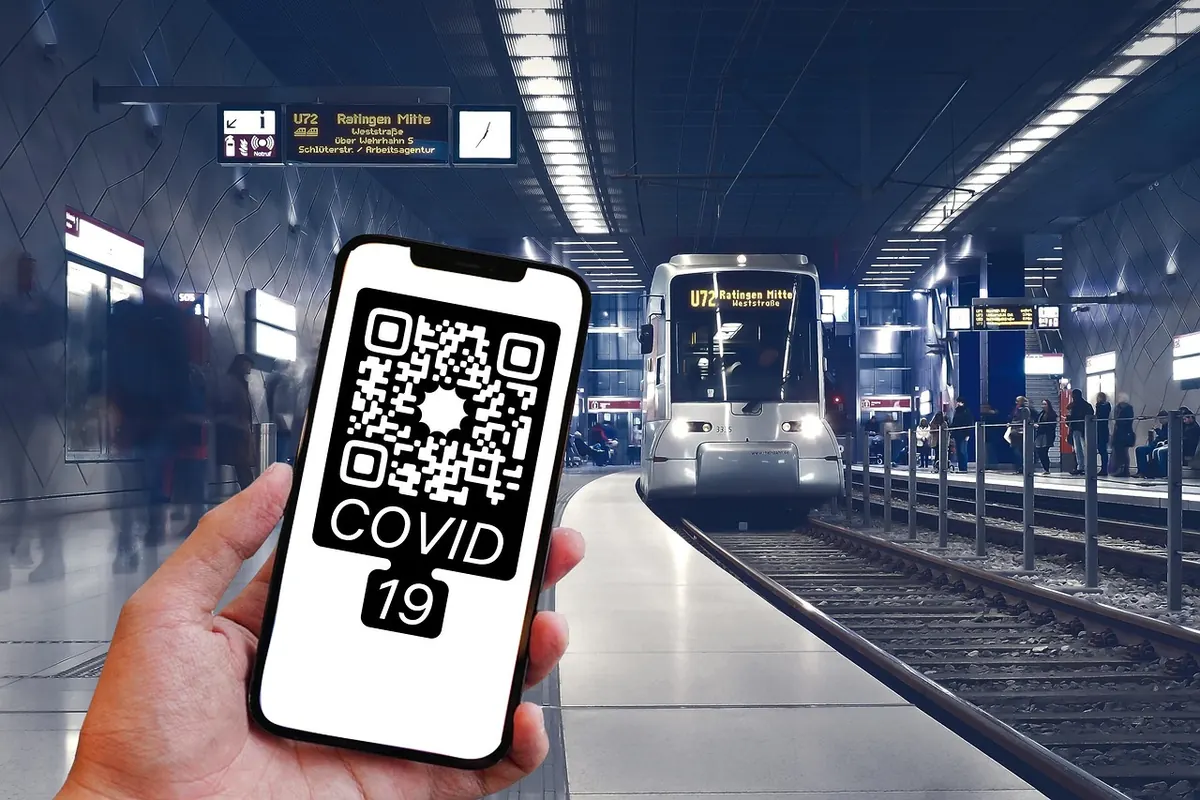
A parking meter with a shiny new QR sticker. A table tent at a café offering the menu through a little black square. Both are ordinary sights, and both have become routine cover for one of the simplest phishing tricks in circulation. Quishing — phishing delivered through QR codes — works because the code hides its destination. You cannot read a web address from a pattern of squares, so the moment you point your camera at one, you hand the judgement call to your phone. Attackers count on that gap, and on the fact that scanning has become a reflex rather than a decision.
Why a QR Code Makes a Convincing Disguise
A QR code is just encoded text. Most of the time that text is a web address, which means anyone who can print a label can plant a link anywhere: under a laminated menu, over a pay station, beside a door handle. No network access, no malware, no technical skill beyond a template.
That physical layer is what makes these campaigns different from ordinary email scams. A sticker costs almost nothing, takes a second to apply, and blends into a surface people already expect to be functional. Corporate email filters are also weak against this approach, because a code embedded in an image or a PDF often contains no clickable link for a scanner to inspect. The payload only becomes visible when a phone camera opens it.
Where Quishing Is Showing Up
The pattern repeats wherever a QR code is used as a shortcut for paying, ordering or logging in. Recent reports of fake codes cluster around a handful of places:
- Parking meters and pay stations, where a fake sticker replaces the operator's official code.
- Restaurant and bar tables, where the "view our menu and pay" code leads to a card form.
- EV charging points, where drivers are already juggling cables and a phone.
- Transit stops and bike docks, aimed at people in a hurry.
- Flyers, posters and "free Wi-Fi" signs in public buildings, cafés and airports.
- Text messages and emails carrying a code for a parcel, a fine or an invoice that needs "verification".
The common thread is a moment when you are mildly annoyed, mildly rushed, or both. That is not an accident.
How the Parking Meter Trick Works
The mechanics are almost boring. Someone prints a square label with their own payment page, sticks it over the legitimate code, and walks away. The page that opens usually mimics a familiar parking app: enter your plate, enter your card, pay. The meter never registers the payment, and the money goes wherever the attacker arranged. Sometimes the goal is not money at all. The page harvests an email and password, or triggers a card-verification prompt, or installs a payment app profile.
Variations exist. A code may open a payment app with an amount already filled in, so you confirm without reading closely. A menu code may ask you to sign in with your email to "see the full menu", which is a credential grab. A parcel-notice code may push you toward a small "redelivery fee". The details change; the shape does not.
Six Checks Before You Scan
- Ask whether a code belongs there. If the meter, table or sign is part of an official system, the operator almost certainly also has an app, a printed web address or a card reader. Prefer those.
- Look at the label itself. Peeling corners, bubbles under the surface, a sticker sitting on top of another sticker, printing that is slightly crooked against the metal, or a paper square on an otherwise etched or painted surface. Tampering is usually visible if you spend three seconds looking.
- Read the preview before you tap. Both major phone cameras display the full address. Do not skim it. The domain is the piece between https:// and the first single slash after it. A long, plausible-looking path after that domain means nothing — the path is chosen by whoever made the code.
- Distrust shorteners and odd domains. Link-shortening services hide the destination entirely. So do near-miss spellings, brand names with extra words or hyphens, and country codes you would not expect for a local car park.
- Ask a human. A staff member, an attendant, a front desk. If the code is genuine, the answer takes five seconds.
- Check your phone settings. Disable any option that opens detected codes automatically, so scanning always requires a deliberate tap.
What to Look For After the Code Opens
The page itself usually gives it away. Stop and close the tab if you see any of the following:
- A card form where you expected a menu. Menus do not need your card number.
- A generic checkout with no business name, address or recognisable branding.
- A request to install a configuration profile, sideload an app, or grant accessibility permissions.
- A login screen for an account you had no reason to sign into.
- A payment amount you did not choose.
- An unexpected request for a code sent by text message. Those codes are often the last step in taking over an account or adding a card to someone else's wallet. Never read one out or forward it.
If You Already Scanned or Paid
Act quickly and in the right order. If you entered card details, call the number on the back of your card, explain what happened, and ask about blocking the card or setting up a replacement. Then check your recent transactions and dispute anything you did not authorise. Your bank is the right place to get specific advice about your account, and it is worth making that call even if the payment was small.
If you entered a password, change it immediately on that site and anywhere you reused it, turn on two-factor authentication, and sign out of other active sessions. If money left your account, contact your bank the same day, keep screenshots of the page and the sticker, and report it to your local consumer protection body or police as appropriate. Legal and financial steps vary by country, so treat general guidance as a starting point and confirm the specifics with your bank or a qualified adviser.
Make Scanning a Decision, Not a Reflex
The most reliable defence is a small change in habit: treat every QR code the way you would treat a link from a stranger. Sometimes it is fine. Often it is not.
In practice that means preferring the official app or a typed address when one exists, turning on transaction notifications so a fraudulent payment surfaces within minutes rather than weeks, and using a disposable or virtual card number for one-off payments where your bank offers one. When you find a fake sticker, tell the venue or the operator, and photograph it before anyone removes it. That single report can take the code out of circulation before the next person parks.
None of this requires special tools. It requires a pause of a few seconds, a glance at the label, and a look at the address in the camera preview. That is usually the whole difference between a parked car and a drained account.
Photo: Sunriseforever / Pixabay